
Set up your band members
Add the people in your band once, then reuse their names for personal keys, targeted instructions and vocal assignments.
Open Band Members
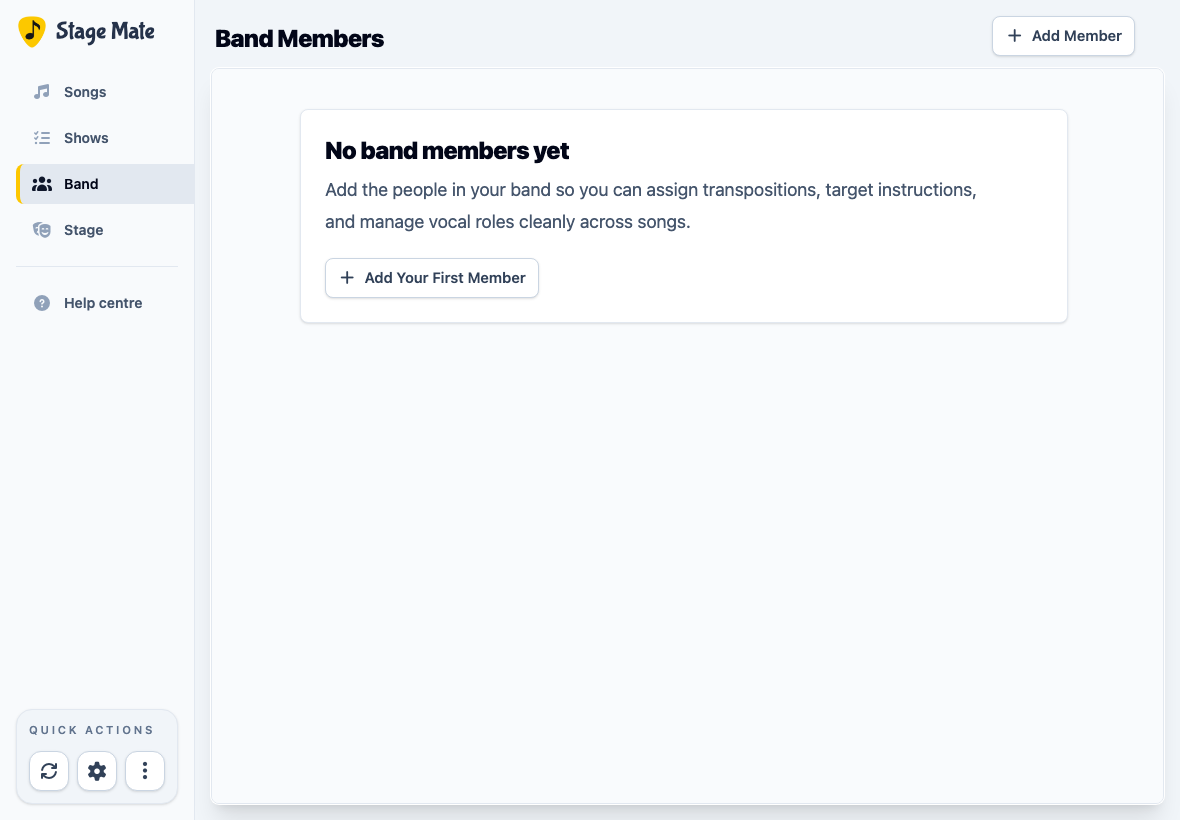
Choose Band from the main navigation. If nobody has been added yet, Stage Mate shows an empty Band Members workspace.
Add each person by name
Choose Add Your First Member or Add Member, enter the performer's name, then choose Add. Repeat this for the people whose individual settings you want Stage Mate to remember.
Know what a band member represents
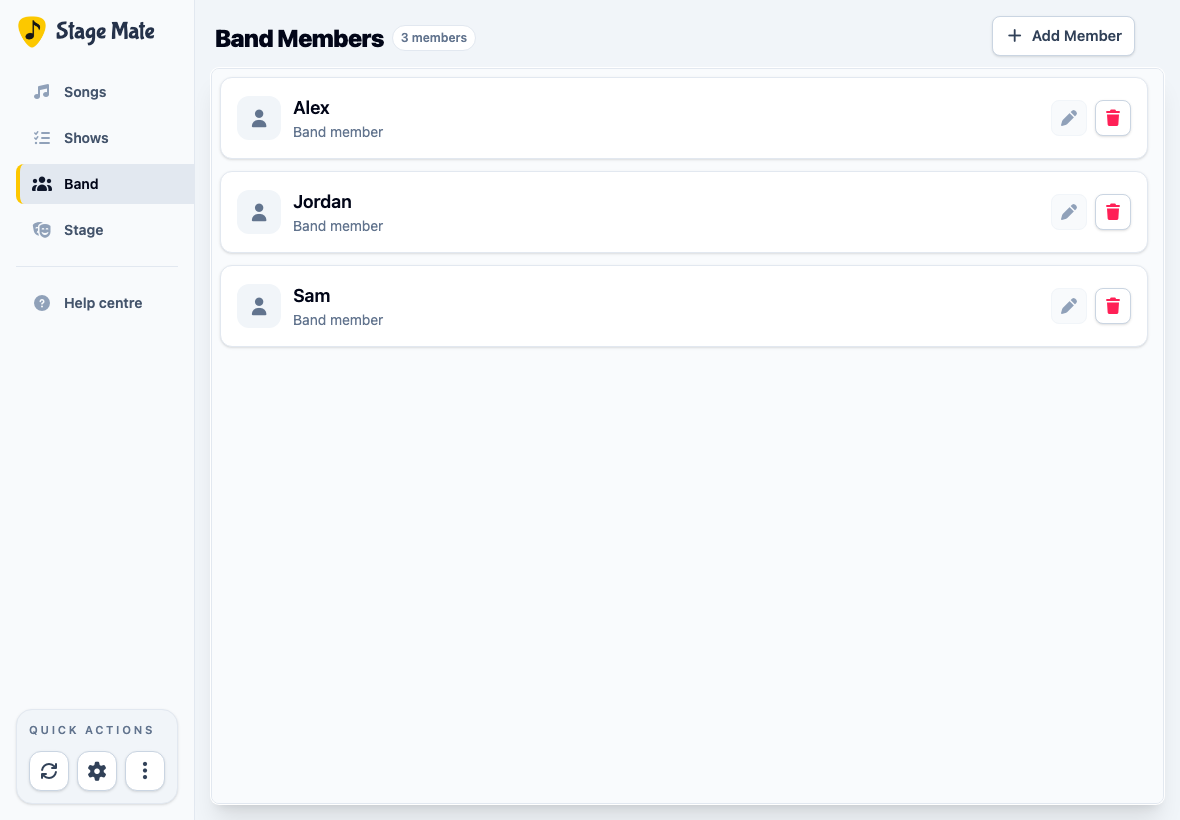
A band member is a reusable performer identity inside your Stage Mate band. Their name can be selected for performer transpositions, targeted instructions and vocal parts.
Rename a member without losing their settings
Choose the pencil beside a member, change the name, then save it. Use this when correcting a name or replacing a shorthand label; existing references remain connected to the same member.
Delete a member only when they should be removed
Choose the bin beside a member to review the consequences. Stage Mate offers Rename Instead because renaming preserves more information.
Deleting removes that member's personal transpositions, targeted instructions and role assignments from your songs. Confirm only when those references should genuinely disappear.
Frequently asked questions
These distinctions help keep member setup separate from inviting devices to a rehearsal or performance.