
Run your first rehearsal with Stage
Put a prepared show on your band's shared Stage, invite the other performers, and keep every phone and tablet on the same song.
Open Stage and take the lead
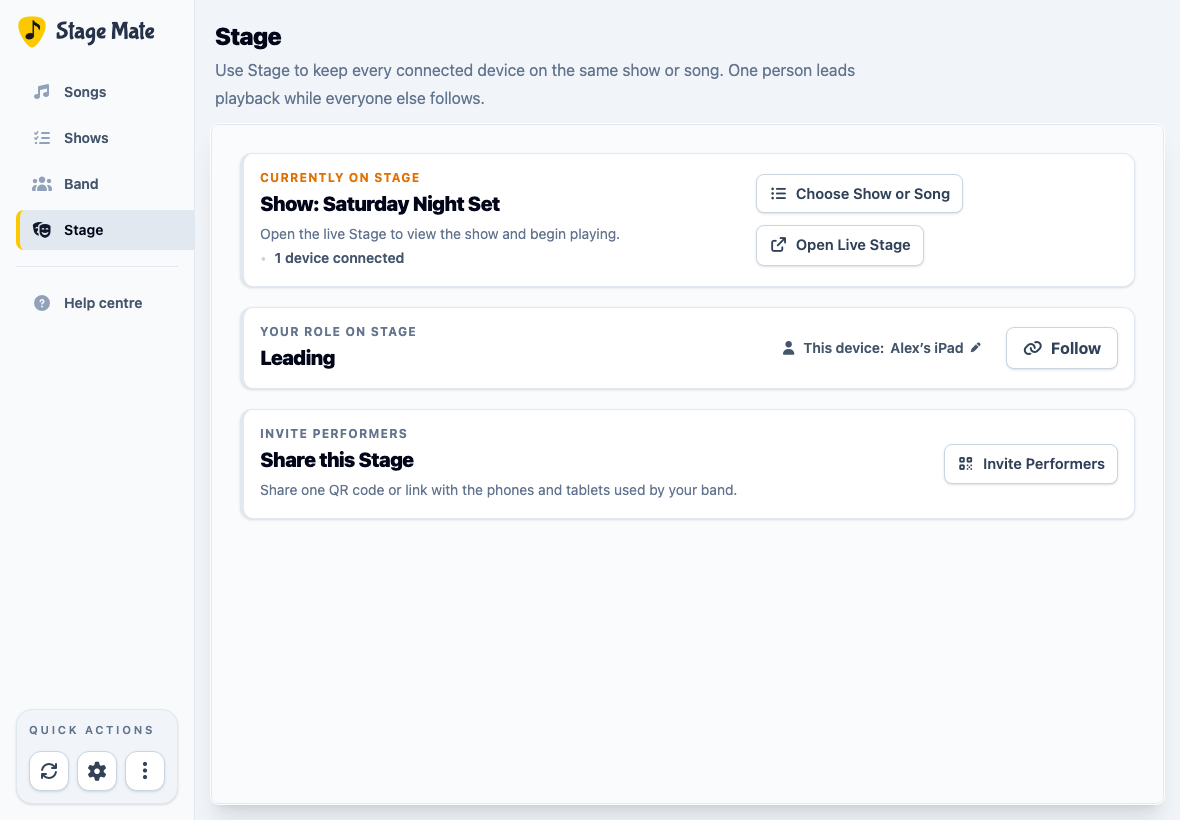
Open Stage from the main navigation. The first time you use Stage on a device, give it a name that the band will recognise—for example, “Alex’s iPad” or “Keys tablet”.
Choose Take the Lead. The leader controls the shared show, song, count-in and playback for every device that is following.
Choose what the band will follow
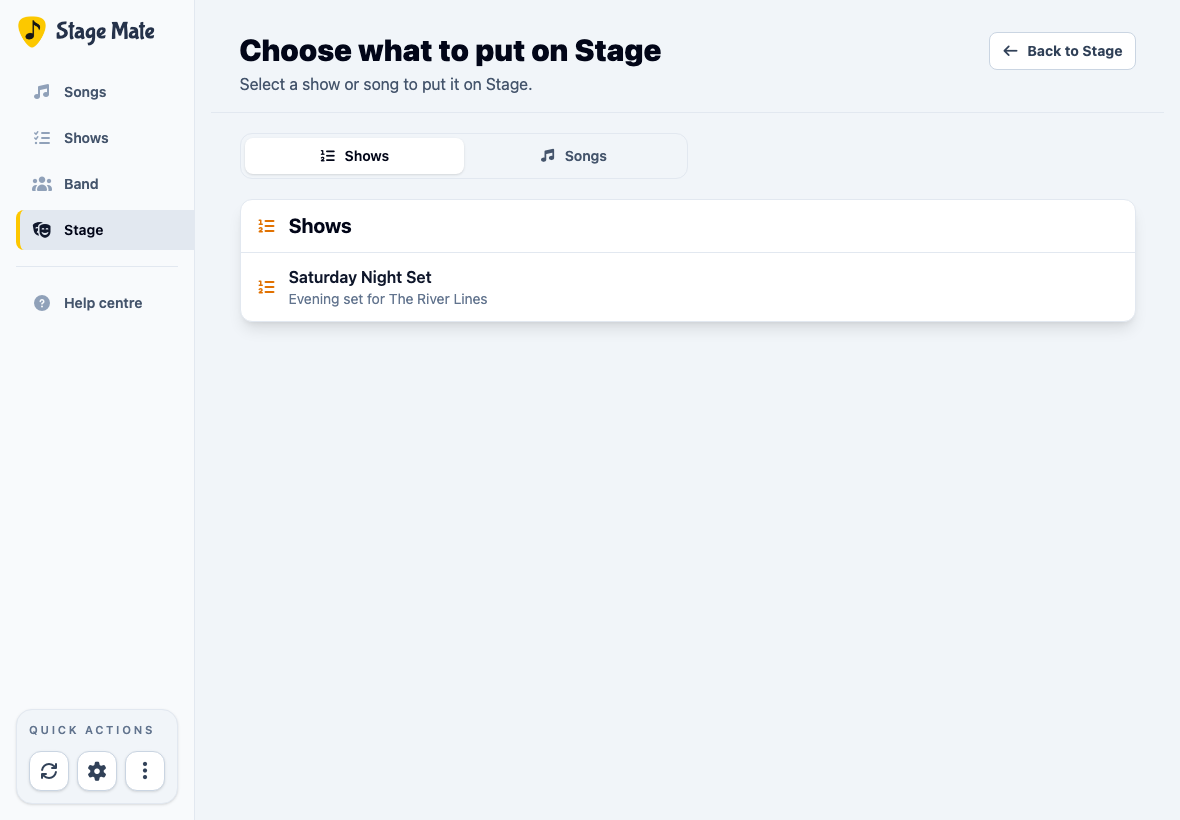
Choose Choose Show or Song, then use the Shows or Songs tab to find the prepared material. Select its name to put it on Stage.
Invite the other performers
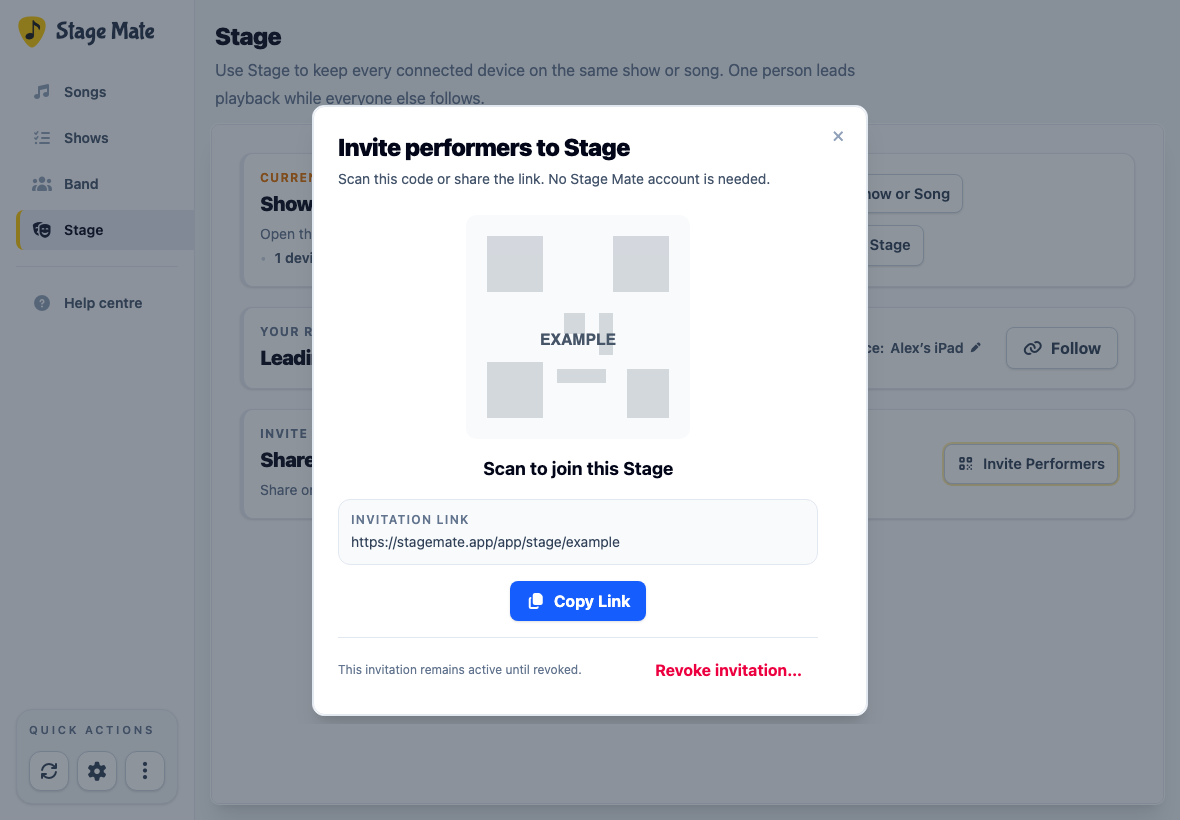
Back on the Stage home, choose Invite Performers. Let performers scan the QR code, or send them the invitation link using Copy Link or Share Link.
Each performer opens the invitation on their own phone or tablet and names the device. They arrive in Following mode and immediately see whatever is currently on Stage.
Open Live Stage and start the rehearsal
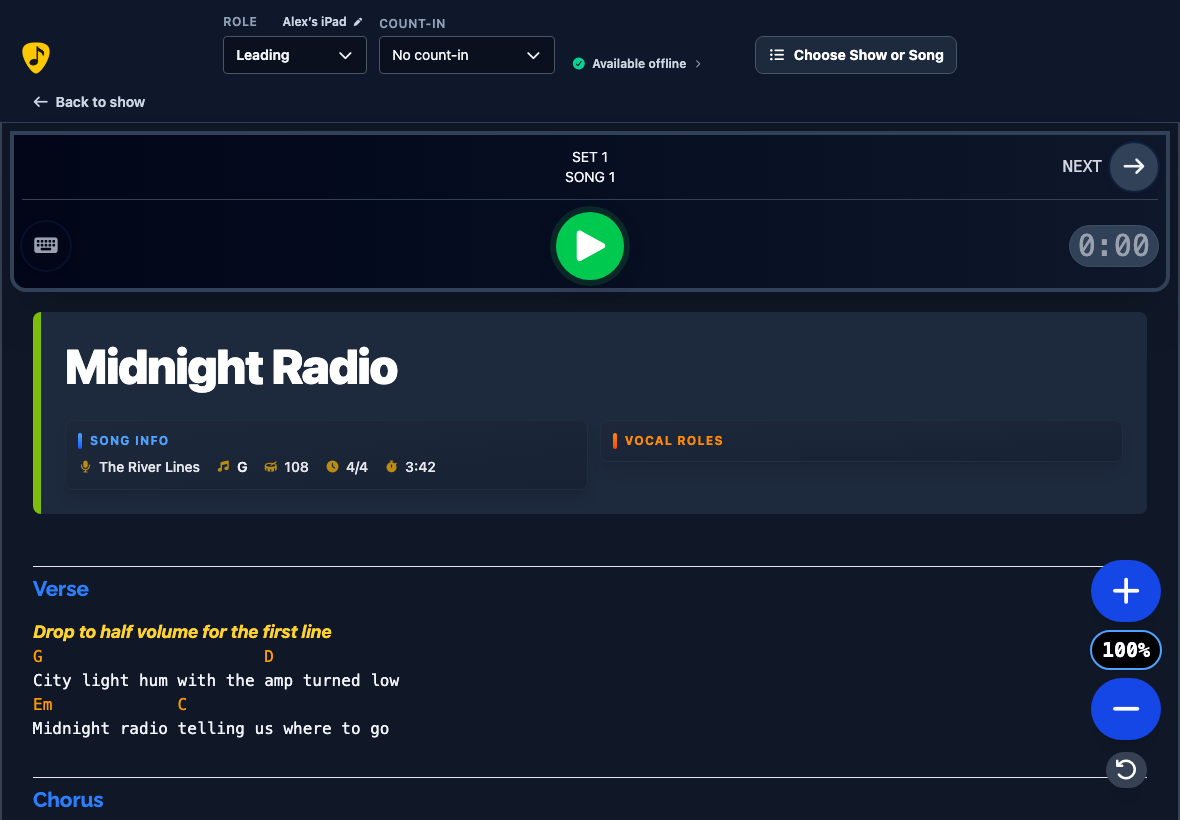
On the leading device, choose Open Live Stage. The invited devices do not need to do this—they remain in Following mode. If you placed a show on Stage, choose the play button for the set you want to begin. You can select a count-in before starting the song.
Use Play, Pause, Stop, Previous and Next on the leading device. Following devices receive the leader's song changes, count-in, playback state and scrolling automatically.
Understand the three Stage roles
Controls the shared selection, count-in, playback and song changes.
Stays aligned with the leader. Private scrolling is possible, but the next leader action takes precedence.
Browses and plays locally without changing the band's Stage. Resume following when ready.
Prepare for offline use and connection problems
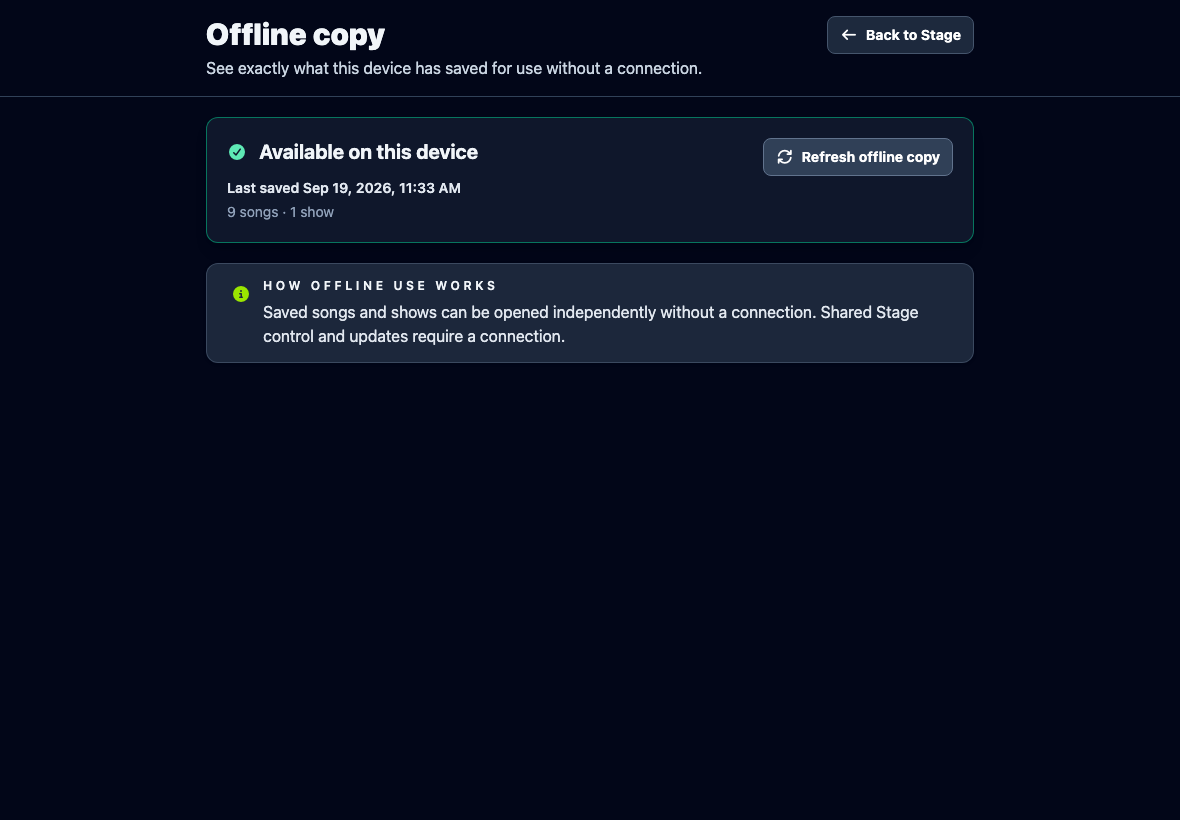
Before rehearsal, open the offline status beside the Live Stage role controls on each device while online. The Offline copy page shows whether the copy is available, not saved, possibly out of date or unavailable. An available copy shows its last-saved time and song and show counts.
Choose Save for offline use if nothing is saved, or Refresh offline copy to update an existing copy. Wait for Available on this device and check the counts before relying on it. If storage is unavailable or saving fails, that device is not ready for offline use.
If Stage loses its live connection, it keeps trying to reconnect and your current screen can continue working. Open Reconnecting… to see the available recovery choices.
When saved songs and shows are available, Use Saved Songs and Shows lets this device continue independently. Choose Back online — Rejoin Stage after connectivity returns.
Frequently asked questions
These answers cover the questions most likely to arise during a first Stage session.