
Insert a song during a live show
People are up dancing and the next song is a ballad. Put another dance song on Stage, then pick up the set where you left off.
Pick a song on the fly
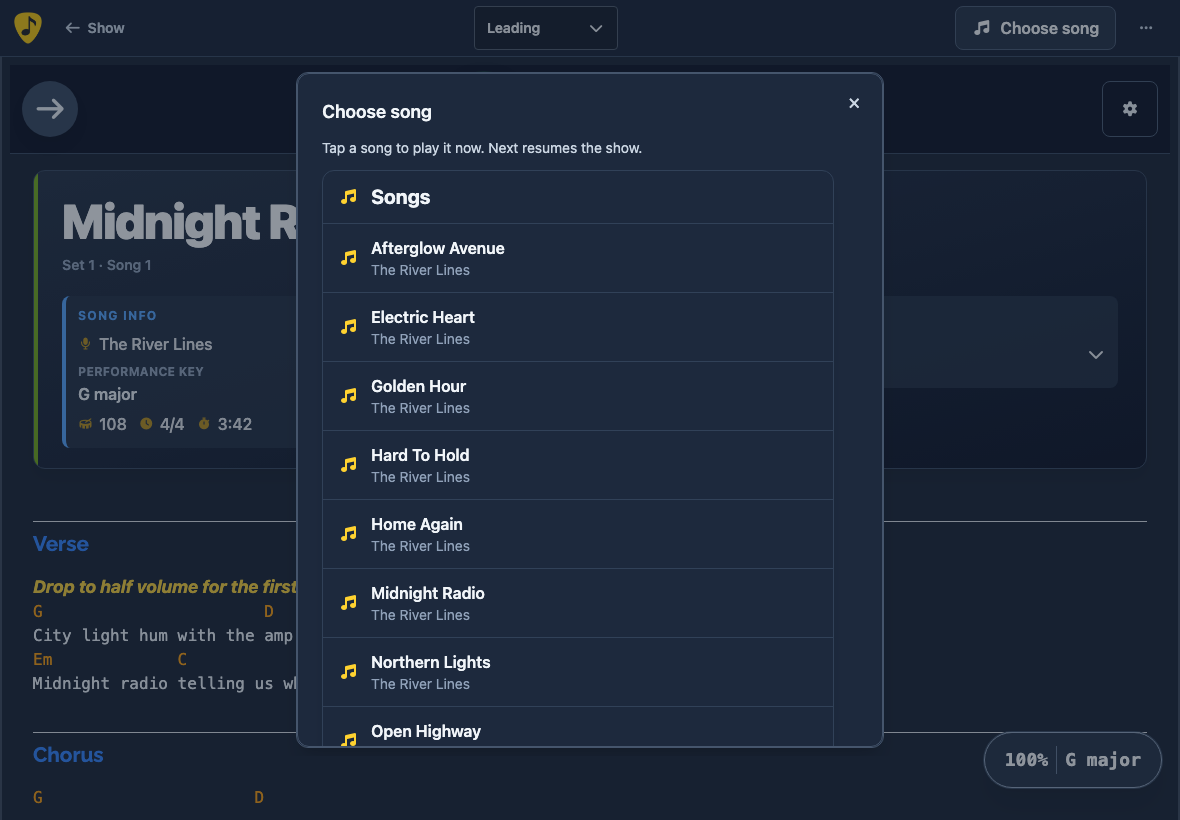
While leading a show on Live Stage, open Choose song. On a phone, open Stage options (three dots) to find it.
Tap a song in your library to open it immediately for everyone following. Press Play when the band is ready.
Return to the running order
If the dance floor is still full, use Choose song again. When you're ready to return to the set, choose Next. It takes you to the next scheduled song, or to the set break or end of the show if that's what comes next.
Your saved show keeps its original running order.
Switch to a different show
If you want to switch the whole running order, open Stage options and choose Replace live show…. Open the Shows tab and choose the new show. That show becomes the running order for everyone following.