
Change a song's performance key
Play a song in a different key without rewriting its original chart.
Find the song's key
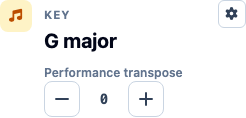
Open the song in the editor. In Song Info, Key shows the saved chart's key. With Performance transpose at 0, this is also the key you will play in.
Move the performance key up or down
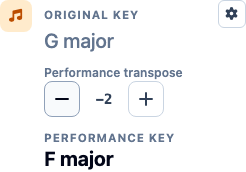
Use the minus and plus controls under Performance transpose. Each click moves the performance key by one semitone, and the Performance chord view updates with it. For example, -2 takes a song from G major down to F major.
This setting applies to everyone who plays the song. The original key and saved chords do not change, so you can return to them by setting Performance transpose back to 0.
Check which chords you are editing
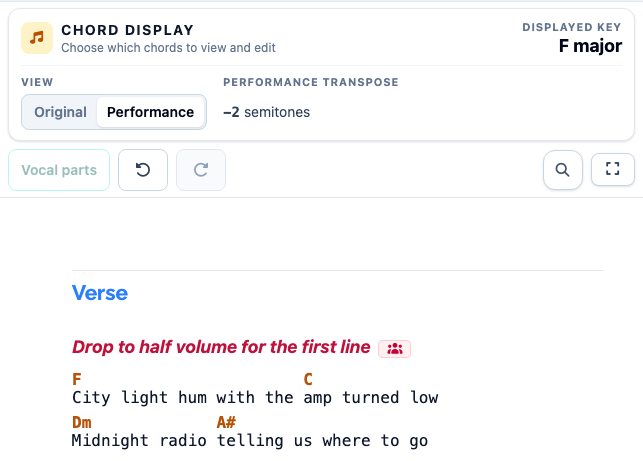
When the song has a transposition, the Chord Display Panel appears above the chart. In the panel, choose Original to view the chords in the original key, or Performance to view them in the performance key.
You can edit chords in either view.
Play the song in its performance key
Choose Play to rehearse with the performance chords. If one member needs a further change, use Set performer transpositions to add an offset just for them.
Frequently asked questions
Performance transpose changes the playable view while preserving the original chart.